

FIELD SERVICE MANAGEMENT
FIELD SERVICE MANAGEMENT
From Enquiry
to Completion.
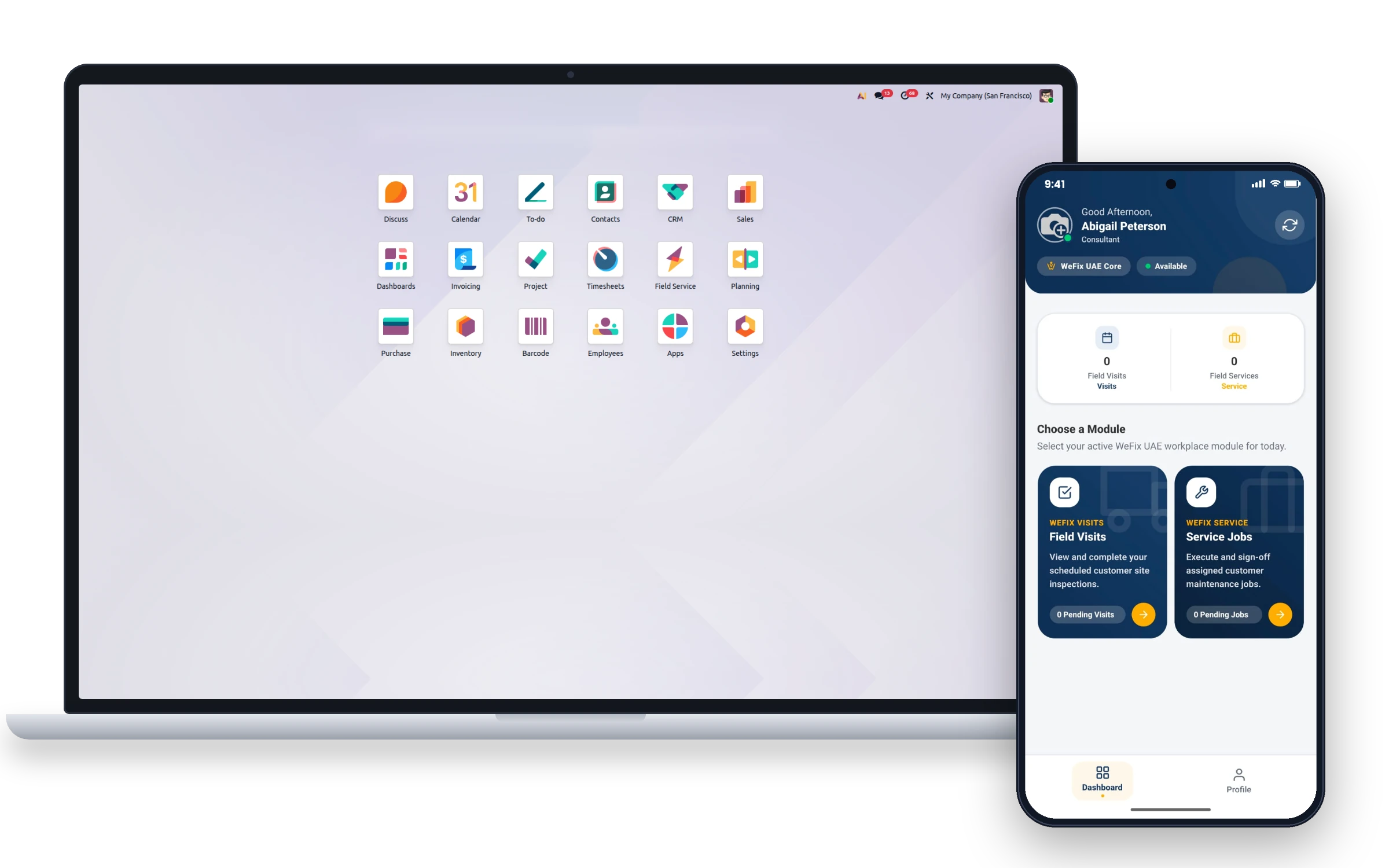
One platform that connects your sales team, inspection engineers, field technicians, and customers — end to end.
CRM + SLA
Site Inspections
Mobile App
Photo Evidence
Customer Sign-Off
Auto Quotes
THE CHALLENGE
Why Field Service Teams
Struggle Without the Right Tools
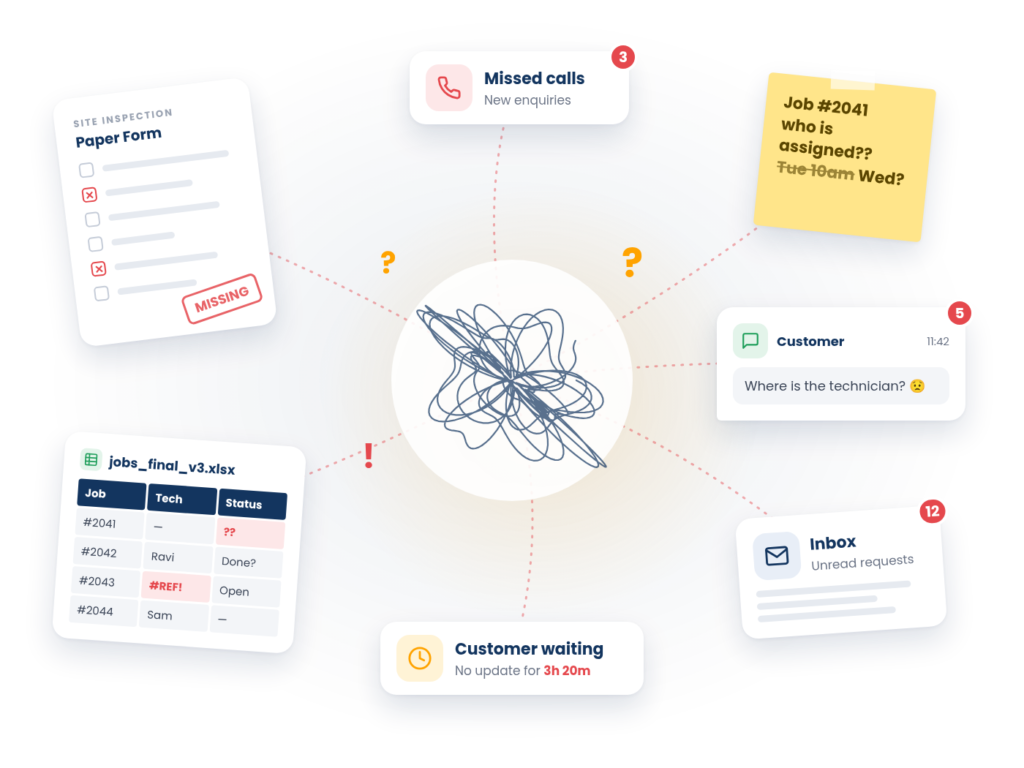
For most field service businesses, operations are scattered across phone calls, paper forms, spreadsheets, and disconnected apps. Work gets lost, customers wait too long, and the team has no clear picture of what is happening.
Enquiries Get Lost
Customer enquiries come in through calls, WhatsApp, email — and there is no single place to track them all. Some are missed entirely.
Slow First Response
When no one is accountable for the first response, customers wait hours or days before hearing back — and may look elsewhere.
Paper-Based Reports
Inspectors fill in paper forms on-site that must be typed up back at the office. Information is lost, delayed, or misread.
No Mobile Access
Technicians have no way to see their jobs, capture photos, or log progress from the field — everything goes through the office.
USE CASE 01
Capture Every Customer Enquiry
Every new field service job starts with a customer enquiry. Commerce9 brings all enquiries into one CRM view so nothing gets missed, and every customer gets a response within 15 minutes.
- Sales team receives enquiry in the CRM instantly
- Timer starts — 15 minutes to make first contact
- Technicians are pre-assigned from the enquiry form
- Inspection is created from the lead in one click
USE CASE 02
Never Miss the
First 15 Minutes
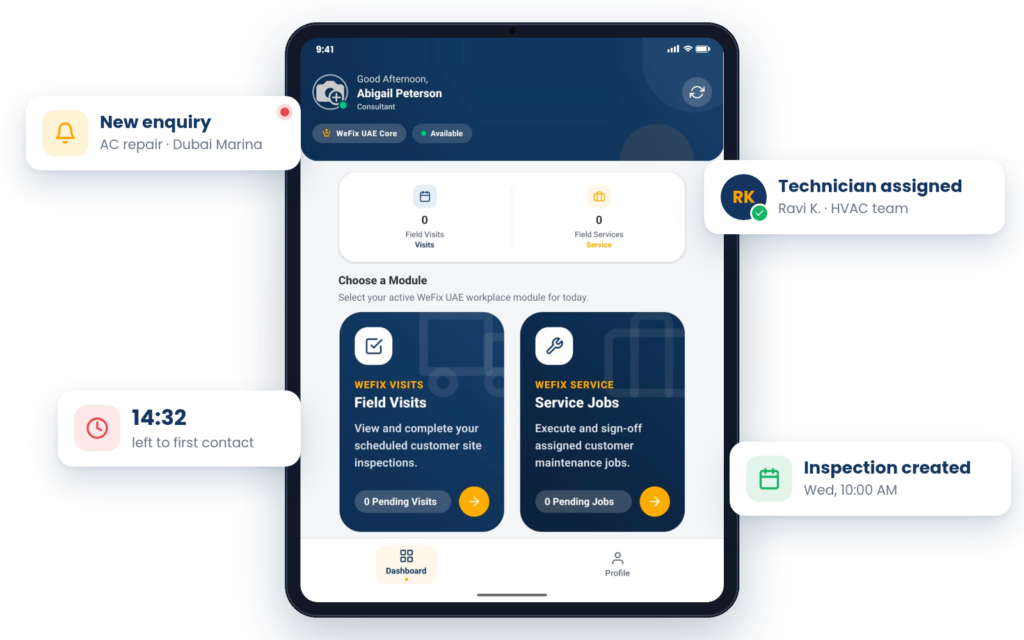
The moment a new enquiry lands, the platform automatically starts a 15-minute contact timer. The assigned salesperson sees it on their screen and knows exactly how long they have to make the first contact.
15-minute SLA Timer
Automatic timer for every new enquiry
Real-time notifications
Escalation reminders
Track response time
Improve customer satisfaction
THE SOLUTION
One Platform. Every Step.
Commerce9 Field Service connects your entire field operations — from the first customer enquiry all the way to the signed job report — in one place. Your sales team, inspectors, and technicians all work from the same system.
CRM
Capture enquiries & assign teams
Inspection
Schedule & run site visits
Field Task
Execute on-site work
Invoice
Quote & invoice the customer
Enquiry to job in minutes
No chasing, no paper — everything is triggered automatically from within the system.
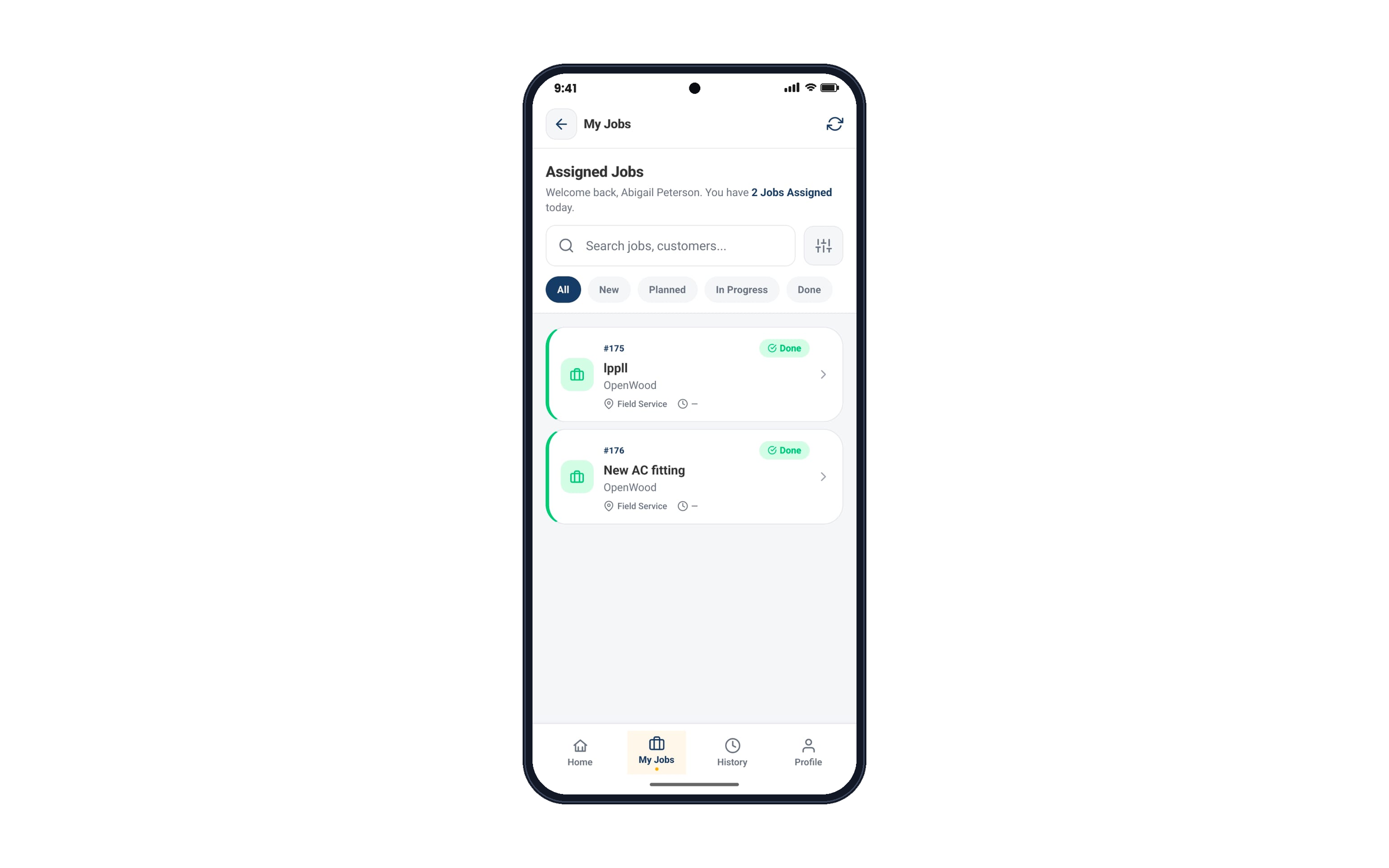
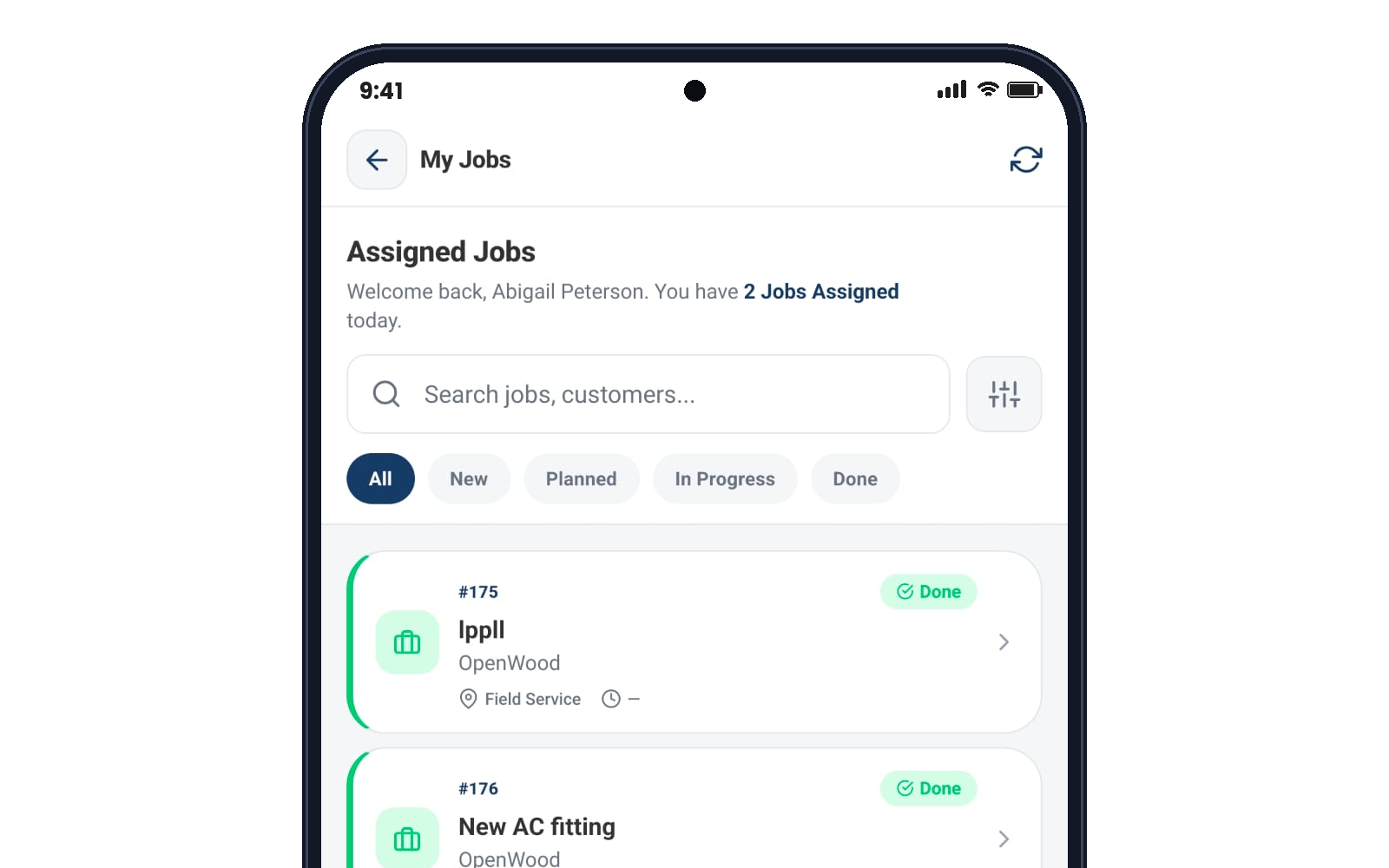
Real-time mobile access
Technicians see their jobs, capture evidence, and log work entirely from their phone.
Automatic reports & quotes
Inspection reports and quotations are generated with one click — no retyping required.
END-TO-END JOURNEY
How It Works — Step by Step
From the moment a customer enquiry arrives to the moment the job is complete and the invoice is raised, Commerce9 guides your team through every step.
01
Enquiry Received
A customer enquiry lands in the CRM. The 15-minute contact SLA starts immediately.
02
Team Contacts Customer
The sales team reaches out. A site inspection is booked and technicians are assigned.
03
On-Site Inspection
The inspector visits the site, completes a digital report, and captures photos.
04
Report Reviewed
& Quote Sent
The office reviews the report and generates a quotation directly from the inspection.
05
Field Service
Task Executed
A technician completes the job on-site using the mobile app — photos, logs, timesheets.
06
Customer Signs Off
The customer signs on the technician’s phone. A service report is automatically generated.
The result: a fully documented, signed, and invoiced field service job — delivered faster and with less admin than ever before.
USE CASE 03
Schedule Site Inspections
Without the Hassle
When a customer agrees to a site visit, the office books an inspection directly from the CRM lead in seconds. The right technicians are assigned, the date is confirmed, and everyone is notified immediately.
- Site Survey
- Installation Assessment
- Repair Assessment
- Maintenance Visit
Let’s warmly initiate our interaction!
Complete the form, and our experts will reach out to guide you in launching or enhancing your eCommerce business effectively.