
Auto Garage
Auto Garage Industry ERP Solutions
Smarter Auto Garage Management with Integrated ERP Solutions
Simplify Workshop Operations. Improve Efficiency. Drive Business Growth.
Managing an auto garage involves more than repairing vehicles. From customer appointments and vehicle inspections to job card management, spare parts inventory, invoicing, and financial reporting, every process needs to work together seamlessly.
We help automotive service businesses streamline their daily operations with ERP solutions designed to improve workflow visibility, simplify resource management, and bring essential business functions together in one integrated system.
Whether you operate an independent garage, a multi-brand service centre, or a multi-branch automotive workshop, our ERP solutions can help you manage your operations more efficiently and make informed business decisions.

Challenges in Auto Garage Management
Overcome Everyday Workshop Management Challenges
Running an automotive workshop requires coordination between service advisors, technicians, inventory teams, suppliers, and finance departments. Managing these activities manually or across disconnected systems can create operational bottlenecks.
Common challenges include:
Unorganized Job Tracking
Difficulty monitoring vehicle status, pending repairs, technician assignments, and delivery schedules.
Inventory Management Issues
Stock discrepancies, unavailable spare parts, excess inventory, and delayed procurement.
Billing and Costing Errors
Challenges in calculating labour charges, spare parts costs, discounts, and taxes accurately.
Limited Customer Visibility
Difficulty maintaining vehicle service histories, tracking customer requests, and scheduling follow-up services.
Technician Productivity Gaps
Limited visibility into workloads, task completion, working hours, and service turnaround times.
Disconnected Business Operations
Sales, purchases, inventory, workshop activities, and accounts operating in separate systems.
Limited Business Insights
Difficulty identifying profitable services, monitoring outstanding payments, and evaluating overall workshop performance.
An integrated auto garage ERP system connects these processes, reduces manual effort, and improves control over day-to-day operations.
Our Solution
Complete ERP Solutions for Auto Garages and Automotive Service Centres
We offers ERP solutions to help automotive businesses manage workshop operations and core business processes through a connected system.
From vehicle check-in to service completion and final invoicing, an integrated workflow helps your team keep information organized, track job progress, manage parts availability, and maintain accurate financial records.
Our approach focuses on improving operational efficiency, supporting better resource utilization, and giving management clearer visibility into business performance.
Key capabilities include:
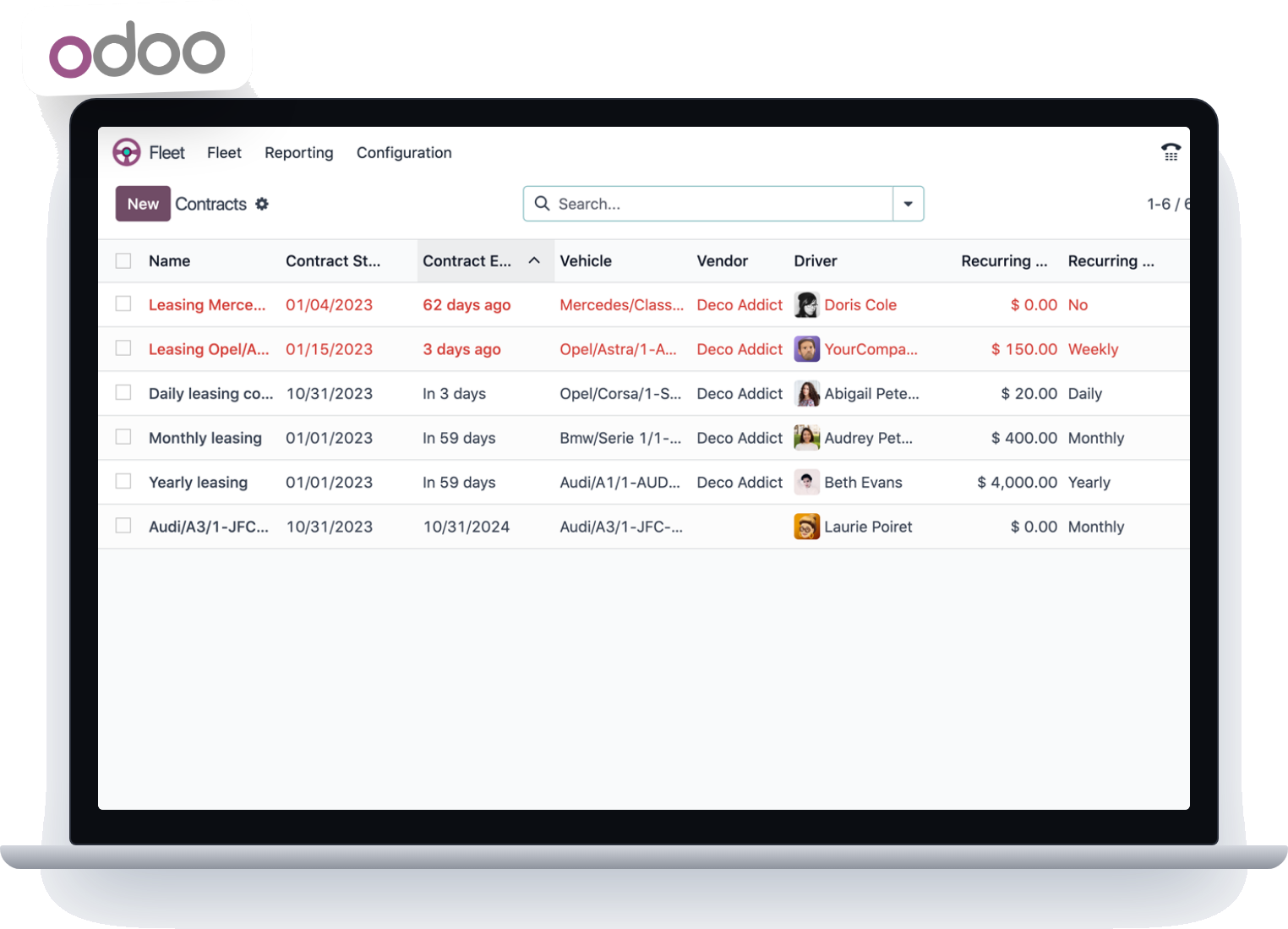
- Vehicle registration and service history management
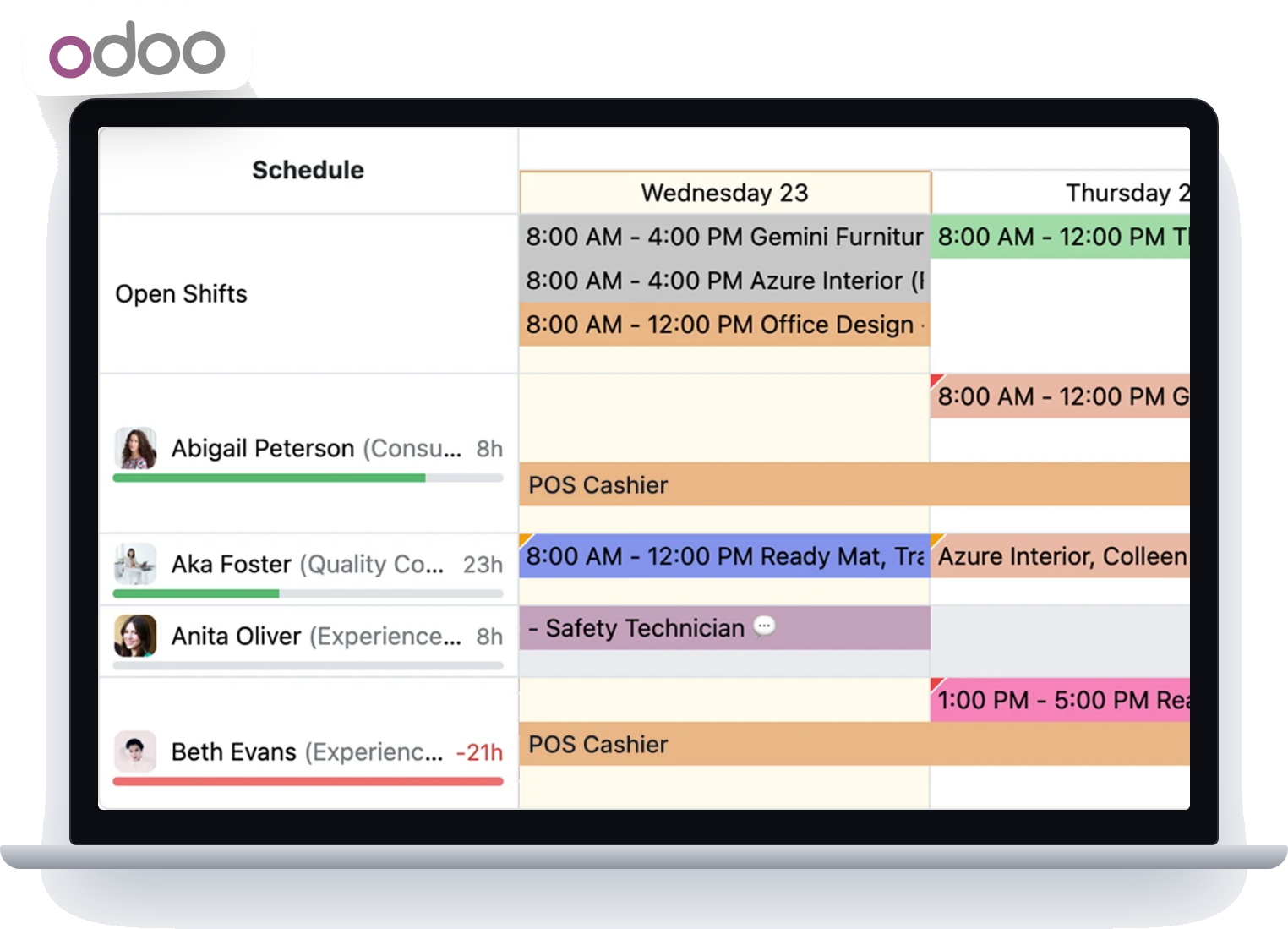
- Customer appointments and workshop scheduling
- Vehicle inspection and service estimation
- Digital job cards and repair order tracking
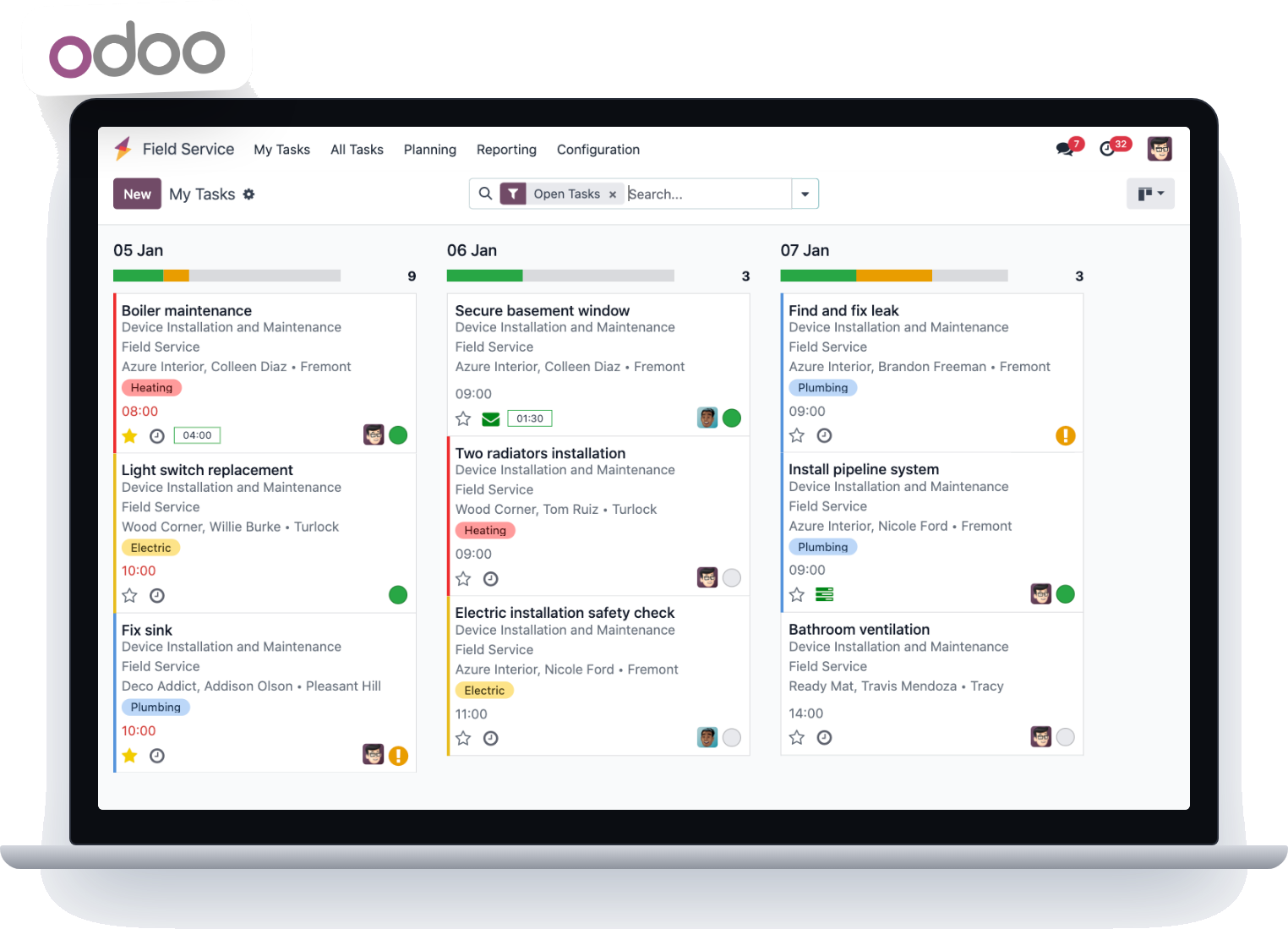
- Technician assignment and workload management
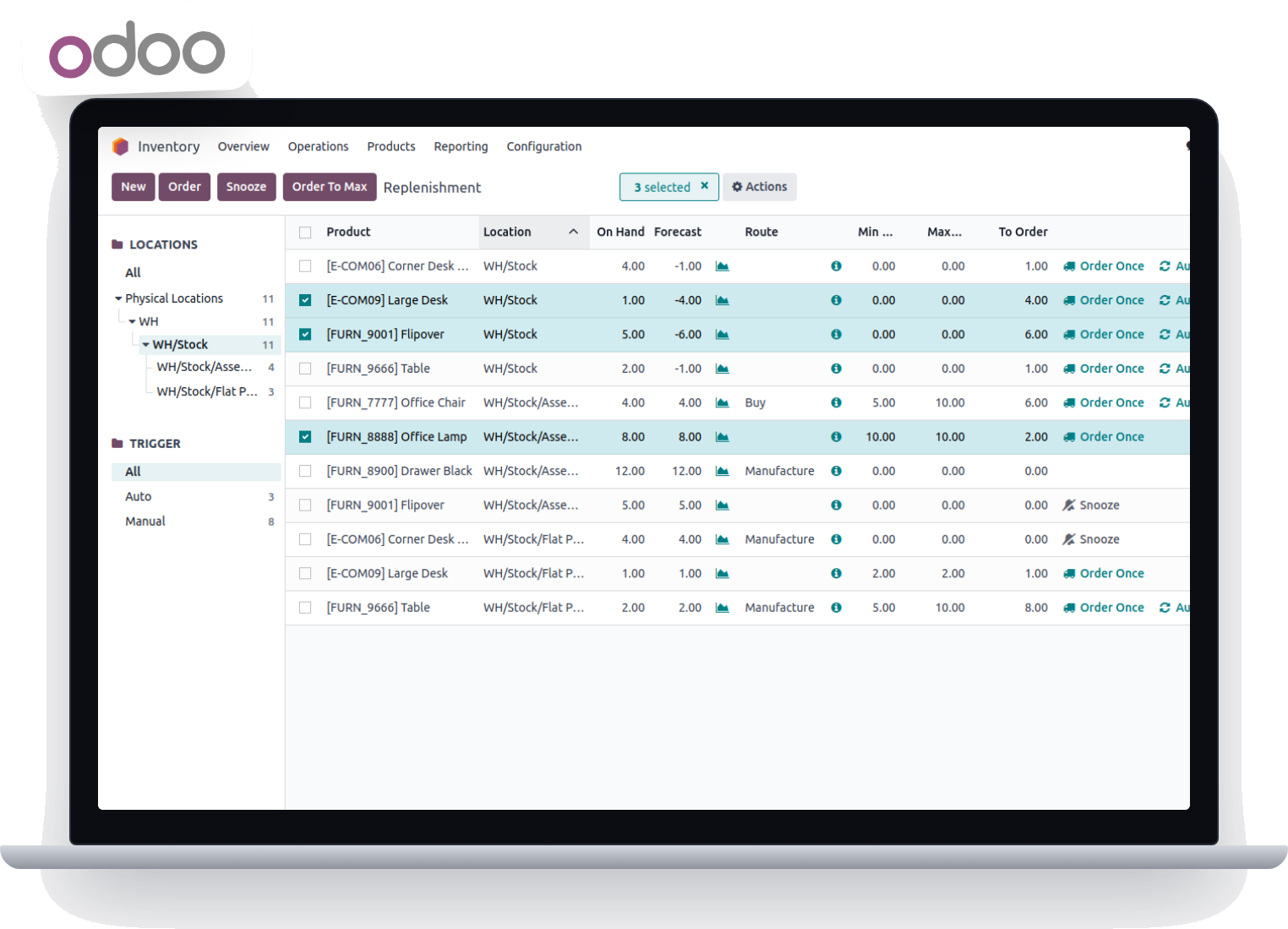
- Spare parts inventory and procurement
- Service billing and payment tracking
- Accounting and financial reporting
- Customer relationship management
- Business performance dashboards and reports
The modules can align with your operational requirements, helping you establish a more consistent, scalable garage management process.

Key Features
Essential Features of Auto Garage ERP Software
1. Vehicle Registration and Service History
Maintain organized vehicle and customer records for easier access throughout the service lifecycle.
- Record vehicle registration numbers, makes, models, and relevant details.
- Maintain customer and vehicle service histories.
- Track previous repairs, replacement parts, and maintenance activities.
- Access historical records to support future service recommendations.
2. Appointment and Workshop Scheduling
Plan workshop activities more effectively and coordinate incoming service requests.
- Schedule vehicle service appointments.
- Organize workshop workloads and service priorities.
- Assign jobs based on technician availability and skill requirements.
- Monitor pending jobs and expected completion dates.
3. Vehicle Inspection and Digital Job Cards
Create a structured process for recording vehicle condition, repair requirements, and service activities.
- Record customer complaints and inspection findings.
- Document recommended repairs and maintenance requirements.
- Generate job cards with parts, labour, and service details.
- Assign technicians and monitor job progress.
- Record inspection notes and supporting photographs where required.
4. Service Estimation and Approval Management
Prepare clear service estimates before beginning repair work.
- Calculate estimated labour and spare parts costs.
- Prepare quotations for recommended repairs and maintenance.
- Record customer approvals before proceeding with work.
- Convert approved estimates into job cards or service orders.
- Track additional work and revised estimates.
5. Spare Parts and Inventory Management
Maintain better control over the spare parts and consumables required for workshop operations.
- Track stock availability and movements.
- Monitor parts issued against individual job cards.
- Manage purchase requests, purchase orders, and supplier records.
- Set minimum stock levels and identify replenishment requirements.
- Track stock adjustments, returns, and slow-moving items.
- Improve visibility into parts consumption and inventory costs.
6. Technician and Workshop Management
Coordinate technicians, equipment, and service activities to improve workshop productivity.
- Assign technicians to specific jobs.
- Monitor job status and task completion.
- Track labour hours and service workloads.
- Coordinate workshop capacity and service schedules.
- Evaluate productivity using relevant operational reports.
7. Billing, Invoicing and Payment Management
Simplify the financial transactions associated with vehicle servicing and repairs.
- Generate invoices for labour, spare parts, and additional services.
- Track customer payments and outstanding balances.
- Manage discounts and applicable charges.
- Support VAT-compliant invoicing requirements, subject to the configured system and applicable regulations.
- Maintain organized billing records for reconciliation and reporting.
8. Accounting and Financial Management
Connect workshop activities with the financial information required to manage your business.
- Monitor revenue, expenses, and operating costs.
- Track customer receivables and supplier payables.
- Review job-wise costs and profitability.
- Monitor cash and bank transactions.
- Generate financial summaries for management review.
9. Customer Relationship Management
Build stronger customer relationships through organized communication and service records.
- Maintain centralized customer information.
- Access vehicle service and repair histories.
- Track service enquiries and customer requests.
- Schedule maintenance reminders and follow-ups.
- Record customer feedback and service-related communications.
10. Multi-Branch Management
Support consistent operations across multiple garage locations through centralized information and reporting, where enabled by the selected ERP configuration.

- Monitor branch-wise workshop activity.
- Review inventory availability across locations.
- Compare revenue and operating performance.
- Standardize processes and reporting.
- Improve management visibility across the business.
11. Business Intelligence and Reporting
Use operational and financial data to understand workshop performance and identify opportunities for improvement.
- Track pending, ongoing, and completed jobs.

- Review sales and revenue trends.
- Analyze job costs and profitability.
- Monitor spare parts consumption and stock levels.
- Evaluate technician productivity.
- Generate reports to support planning and decision-making.
How Auto Garage ERP Works
From Vehicle Check-In to Final Delivery
A connected ERP workflow helps your team manage each vehicle through a consistent service process.
Step 1: Vehicle Check-In
Register the customer and vehicle, record reported issues, and retrieve previous service details where available.
Step 2: Inspection and Estimation
Inspect the vehicle, document required repairs, estimate parts and labour costs, and obtain customer approval.
Step 3: Job Card Creation
Create a job card with the approved service scope, assigned technicians, and expected completion date.
Step 4: Parts Allocation and Repair Work
Check spare parts availability, issue the required items against the job, and track repair progress.
Step 5: Quality Check and Service Completion
Record completed work and perform the required quality checks before preparing the vehicle for delivery.
Step 6: Invoicing and Payment
Generate the service invoice, record payments, and update the relevant financial records.
Step 7: Vehicle Handover and Follow-Up
Complete the delivery process, retain the service history, and schedule future maintenance follow-ups where applicable.

This structured workflow improves coordination between the front desk, workshop, inventory, and accounts teams.
Benefits of Auto Garage ERP
Transform Your Garage Operations with Better Business Control
Improved Operational Efficiency
Automate routine administrative tasks and reduce duplicate data entry across workshop processes.
Better Job Visibility
Track vehicles, job cards, pending repairs, and service progress through a more organized workflow.
Optimized Inventory Control
Improve stock visibility, monitor parts consumption, and make informed purchasing decisions.
Greater Cost and Profitability Visibility
Understand the relationship between labour, spare parts, and job expenses to evaluate service profitability.
Enhanced Customer Experience
Maintain accurate service histories, provide clearer estimates, and support timely customer communication.
More Effective Resource Utilization
Coordinate technicians, appointments, and workshop capacity to support efficient service delivery.
Centralized Business Information
Bring relevant operational, inventory, and financial information together for easier monitoring.
Scalable Business Operations
Support business growth with processes that can be adapted to additional services, users, or branches.
Industries We Serve
ERP Solutions for Different Automotive Service Businesses
Our ERP solutions can be tailored to according to the operational requirements of different automotive businesses.
General Auto Repair Garages
Manage routine maintenance, mechanical repairs, job cards, and service billing.
Multi-Brand Service Centres
Coordinate different vehicle brands, service teams, appointments, and repair workflows.
Automotive Maintenance Workshops
Organize preventive maintenance, inspections, repair records, and service schedules.
Tyre and Quick-Service Centres
Manage fast-moving service jobs, consumables, inventory, and billing.
Vehicle Electrical and AC Workshops
Track specialized repairs, technician assignments, parts requirements, and job costs.
Body Shops and Accident Repair Centres
Organize damage assessments, repair estimates, supporting documentation, and insurance-related billing workflows.
Fleet Maintenance Workshops
Coordinate maintenance schedules, vehicle repair histories, parts usage, and workshop expenses for fleet operations.
Why Choose Us?
A Practical ERP Approach for Automotive Businesses
An effective ERP implementation should do more than digitize existing processes. It should help your team work more efficiently, improve information flow, and establish better control over business operations.
With us, you can explore ERP solutions that support your garage’s operational and management requirements.

The right ERP configuration depends on your business requirements, existing systems, and desired level of automation.
Integrated Business Processes
Connect key workshop and business functions through a coordinated system.
Workflow-Oriented Operations
Establish structured processes from vehicle reception through repair completion and billing.
Improved Information Visibility
Make relevant job, inventory, and financial information easier to access.
Data-Driven Decisions
Use operational and financial reports to monitor performance and plan improvements.
Flexible Business Support
Align the solution with your garage’s size, service model, and operational needs.
Growth-Oriented Management
Build a foundation for more organized operations as your business expands.
Frequently Asked Questions
What is auto garage ERP software?
Auto garage ERP software is a business management system that helps automotive workshops manage vehicle servicing, job cards, customer records, spare parts inventory, billing, accounting, and operational reporting through an integrated platform.
How can ERP software improve garage management?
ERP software helps organize workflows, reduce repetitive manual tasks, improve job tracking, maintain more accurate inventory records, and provide better visibility into workshop performance and financial results.
Can auto garage ERP software manage job cards and service estimates?
Yes. A suitable garage ERP solution can support vehicle inspections, service estimates, customer approvals, job card creation, technician assignments, parts allocation, and repair progress tracking.
Can ERP software manage spare parts inventory?
Yes. Inventory capabilities can help track stock levels, parts issued against jobs, purchases, supplier information, stock movements, and replenishment requirements.
Is auto garage ERP suitable for multiple branches?
An ERP solution with multi-branch functionality can help businesses monitor branch-wise operations, inventory, sales, and performance through centralized reporting, depending on the selected configuration.
Can garage ERP software support VAT invoicing in the UAE?
A suitably configured ERP system can support VAT-related invoicing and financial reporting requirements. The configuration should be validated against current UAE tax regulations and the business’s specific accounting requirements.
Can the ERP system be customized for my garage?
The implementation approach can be evaluated against your business workflows, service categories, reporting needs, and integration requirements to determine which configurations or customizations are appropriate.
What Our Clients say.

Delivered Success Stories
Let’s warmly initiate our interaction!
Complete the form, and our experts will reach out to guide you in launching or enhancing your eCommerce business effectively.